Pin Your Best Answers and Use Hashtags to Organise Your Profile
How to pin answers to the top of your Qerios profile and use hashtags so visitors find your best content quickly.
A profile with hundreds of answers is great for people who already know you, but a new visitor has about five seconds to decide whether to stay. Pinning and hashtags are the two simple tools that help them find your best work immediately.
Pin your strongest answers
Pinned answers appear in their own section at the top of your profile, before the rest of your history. Use the "Pin to profile" option on any answer, and "Unpin from profile" when you want to replace it. Pins are small in number on purpose, so choose answers that represent you well.
Good candidates for pins:
- An answer that introduces you. A thoughtful reply to "tell us about yourself" saves you from repeating it.
- Your most useful answer. Study tips, recommendations or how-tos that people ask about again and again.
- Something that shows your personality. A funny, honest or creative answer, or a sketch you are proud of.
- A recent highlight. Swap pins as your interests change so the profile does not feel frozen.
Pins can also reduce repeated questions. If five people ask which phone you use, pin the answer and point to it.
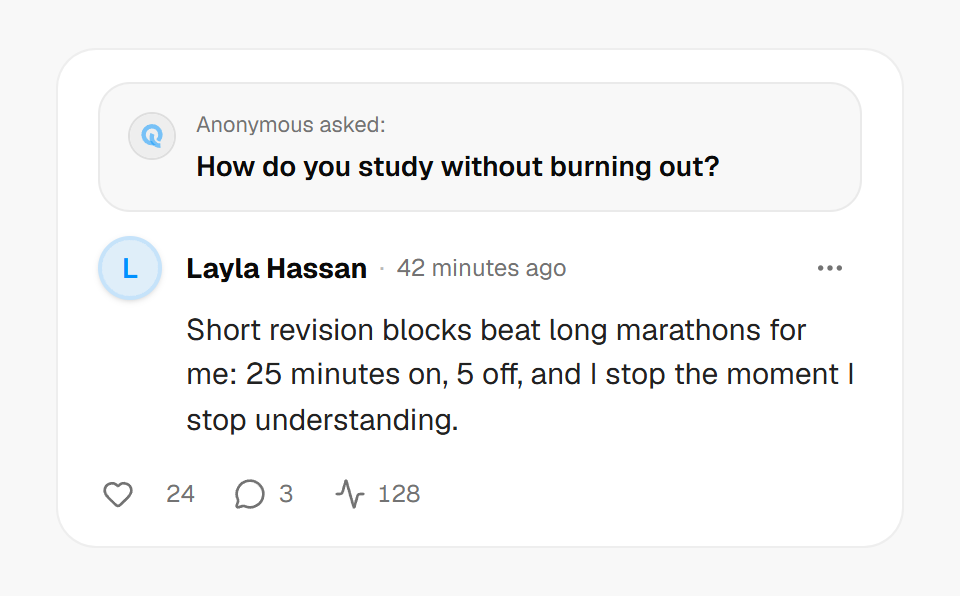 A short, useful answer is a good candidate to pin.
Use hashtags with purpose
Hashtags group answers and bios by topic, and tapping one shows other content using the same tag. Use a small number of specific tags rather than a pile of generic ones. #studytips is more useful than #life, because someone who taps it knows what they will find. Keep tags readable in your language, and avoid tags that identify private details such as your school's name or your neighbourhood.
You can add hashtags to answers and to your bio. In the bio they work like labels for the topics you enjoy talking about, which also helps attract better questions on your Ask link.
Combine pins, tags and tabs
Your profile has separate tabs for answers, replies and sketches, so visitors can switch between them. Pins make the answers tab welcoming, hashtags connect it to the rest of the community, and the sketches tab shows another side of you. If you are setting up a fresh profile, start with how to set up your Qerios profile.
Private accounts and pins
On a private account, pinned answers are visible only to you and approved followers like the rest of your content. Pins and tags do not change who can see an answer.
The short version
- Pin a few answers that introduce you or answer common questions.
- Rotate pins as your interests change.
- Use a few specific hashtags and avoid ones that reveal private details.
- Pins and tags organise content; they do not change its visibility.